








Très bien

Fast Free Shipping

30-Day Refund

2-year warranty

Fast delivery

Secure Payment & BNPL
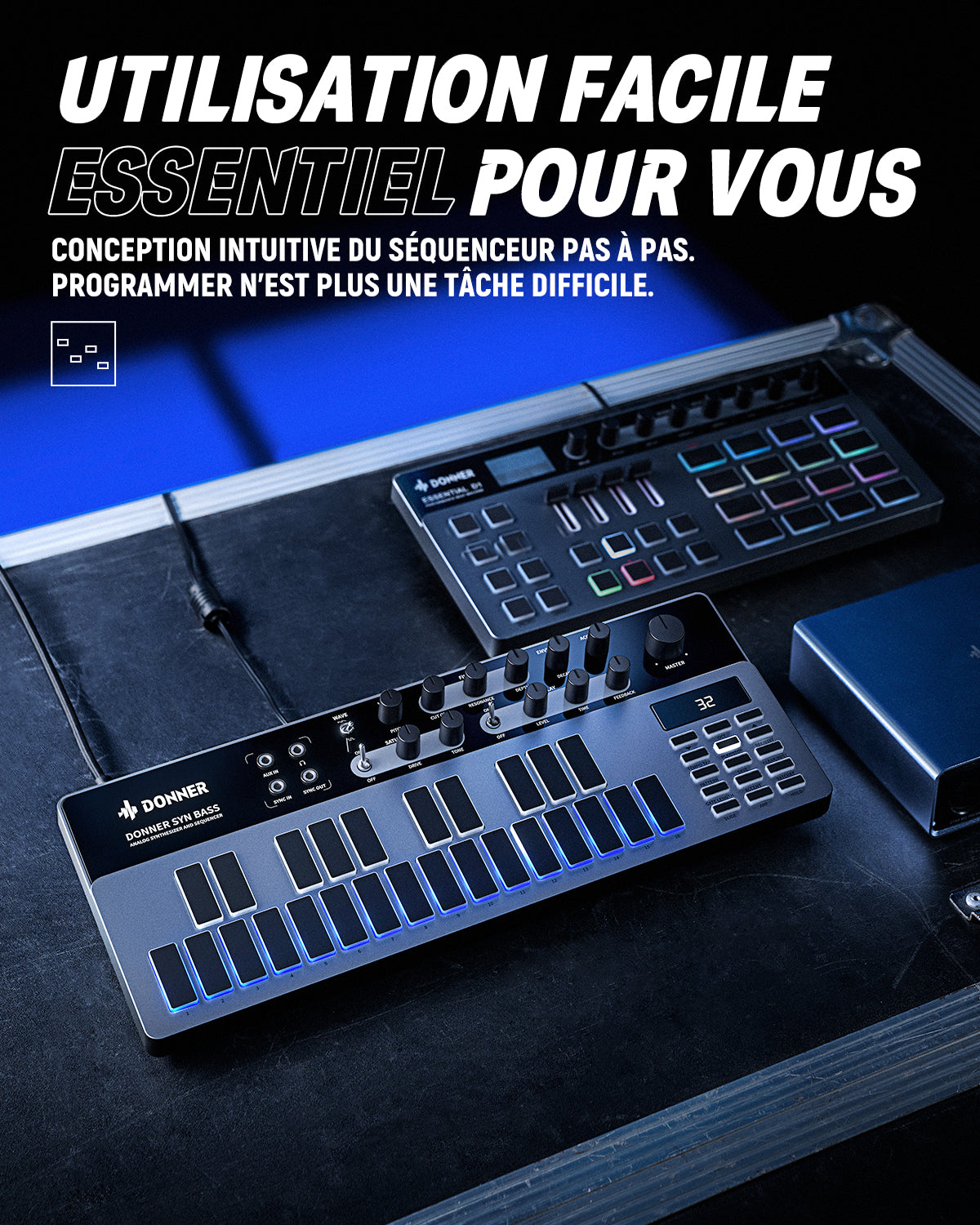
User-friendly and easy to use
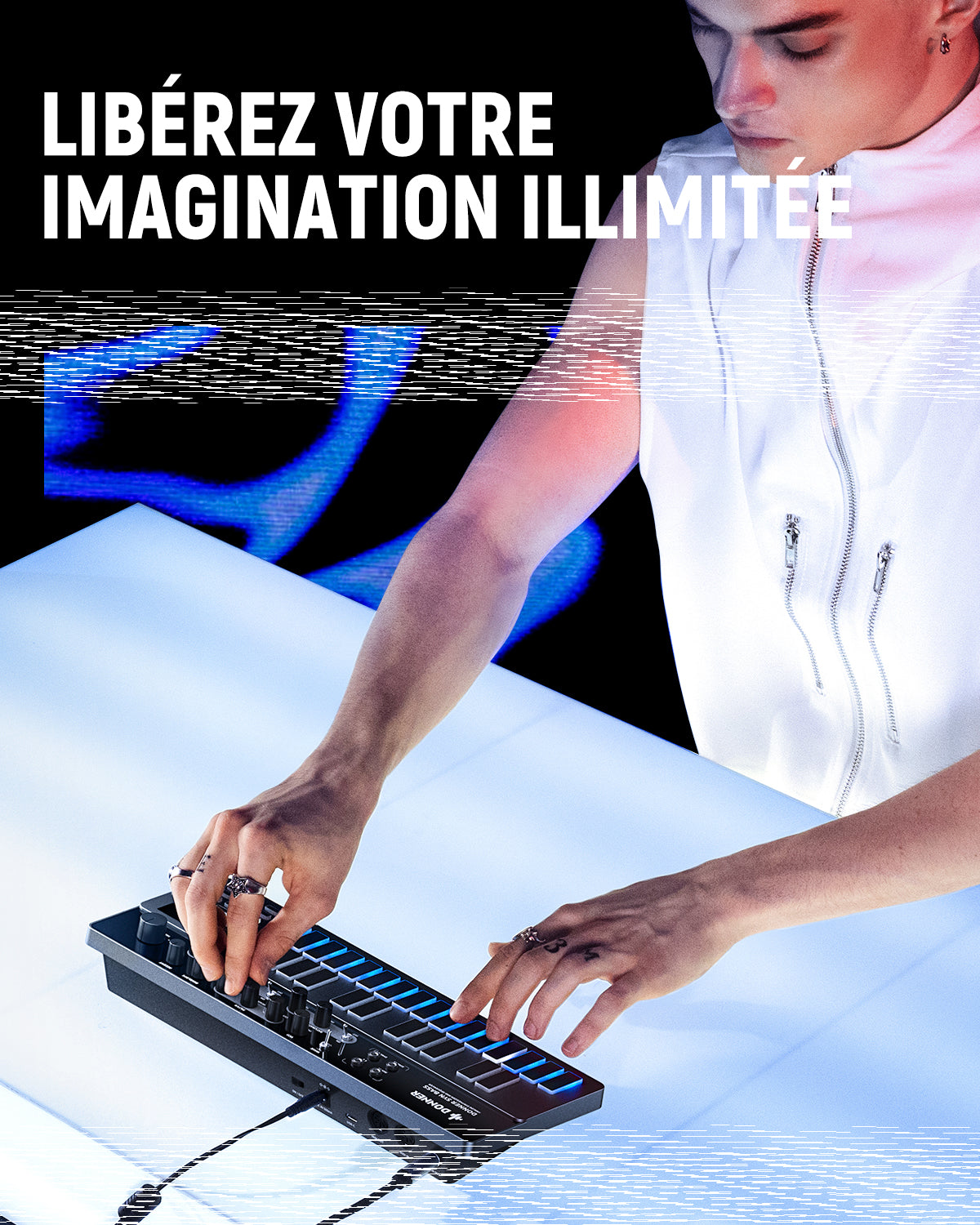
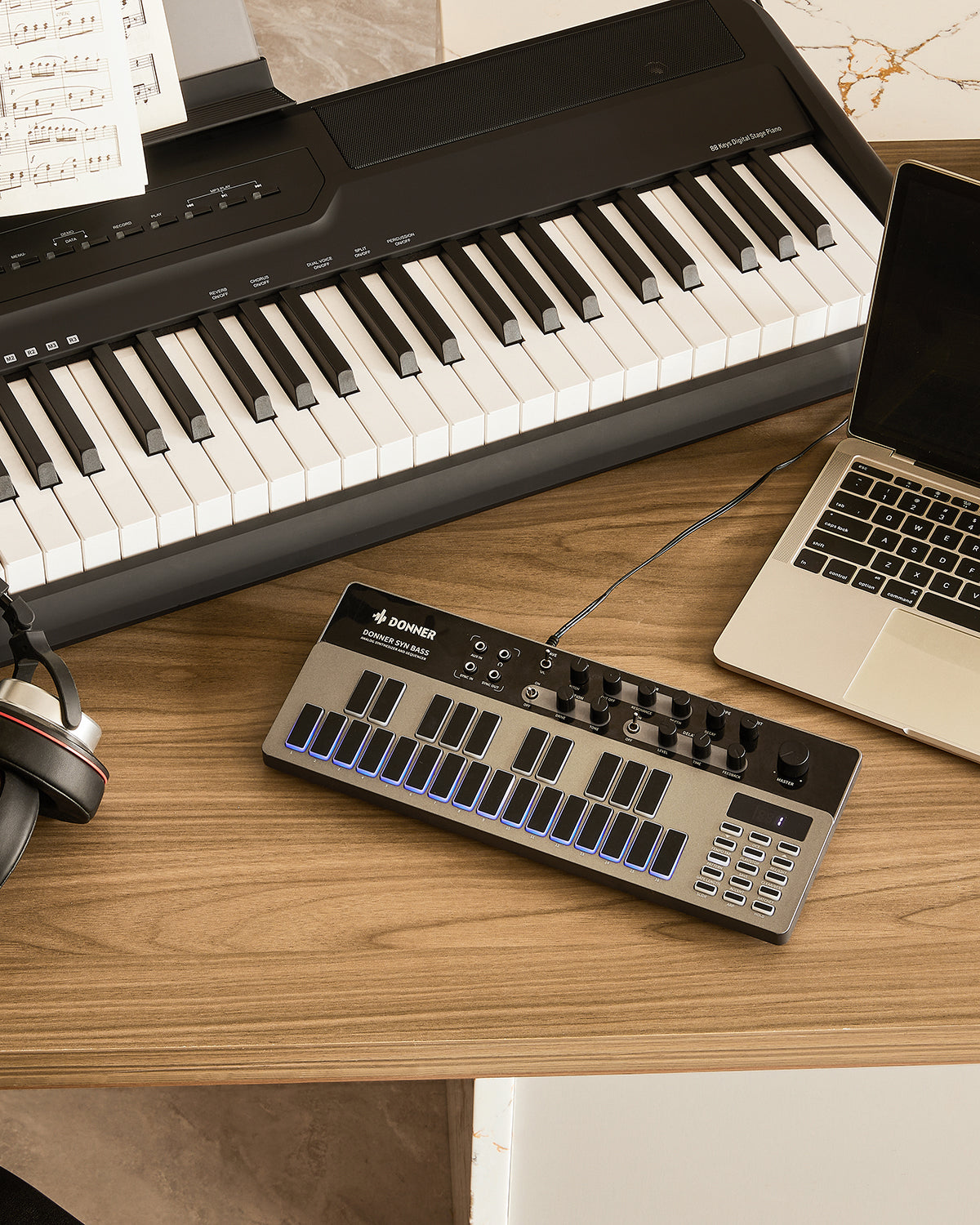
Silicone Touch Pads
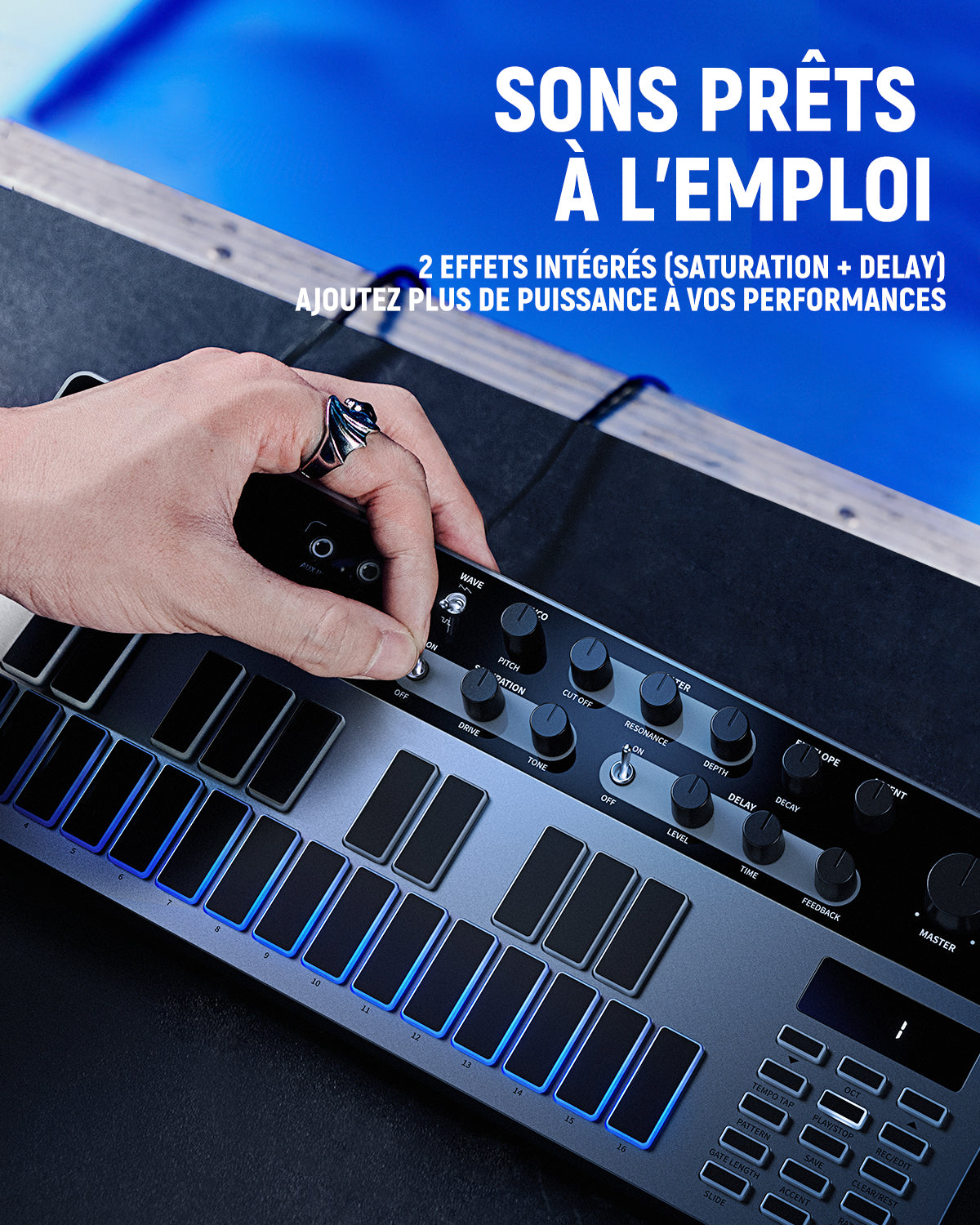
Saturation and Delay Effects
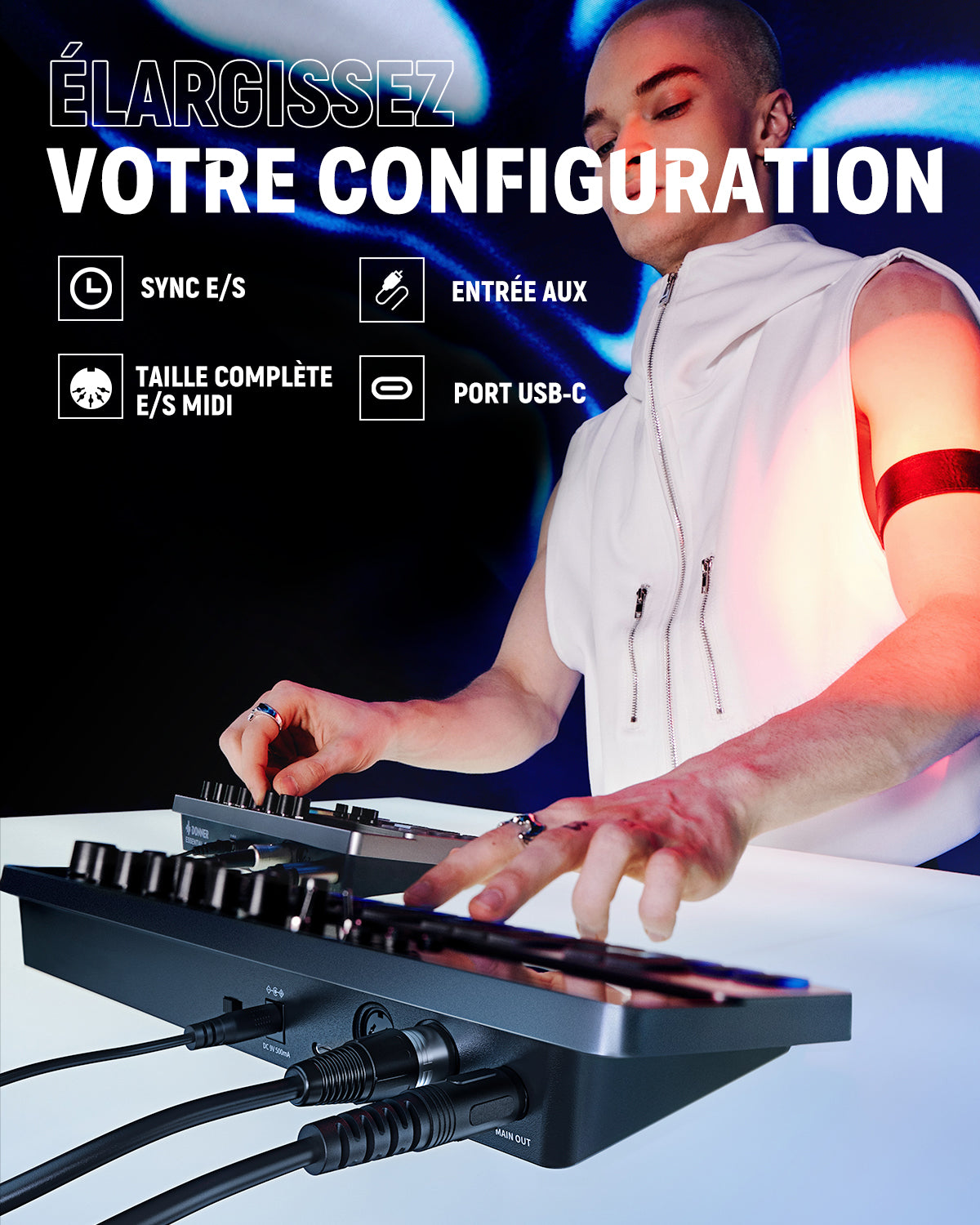
MIDI Compatibility and Multi-Device Connection
Multi-Sound Generator for Input and Output Sources


Fast Free Shipping
30-Day Refund
2-year warranty
Fast delivery
Secure Payment & BNPL


|
Learn more about the Donner B1 |
|
|
Number of votes |
Monophonic |
|
Type |
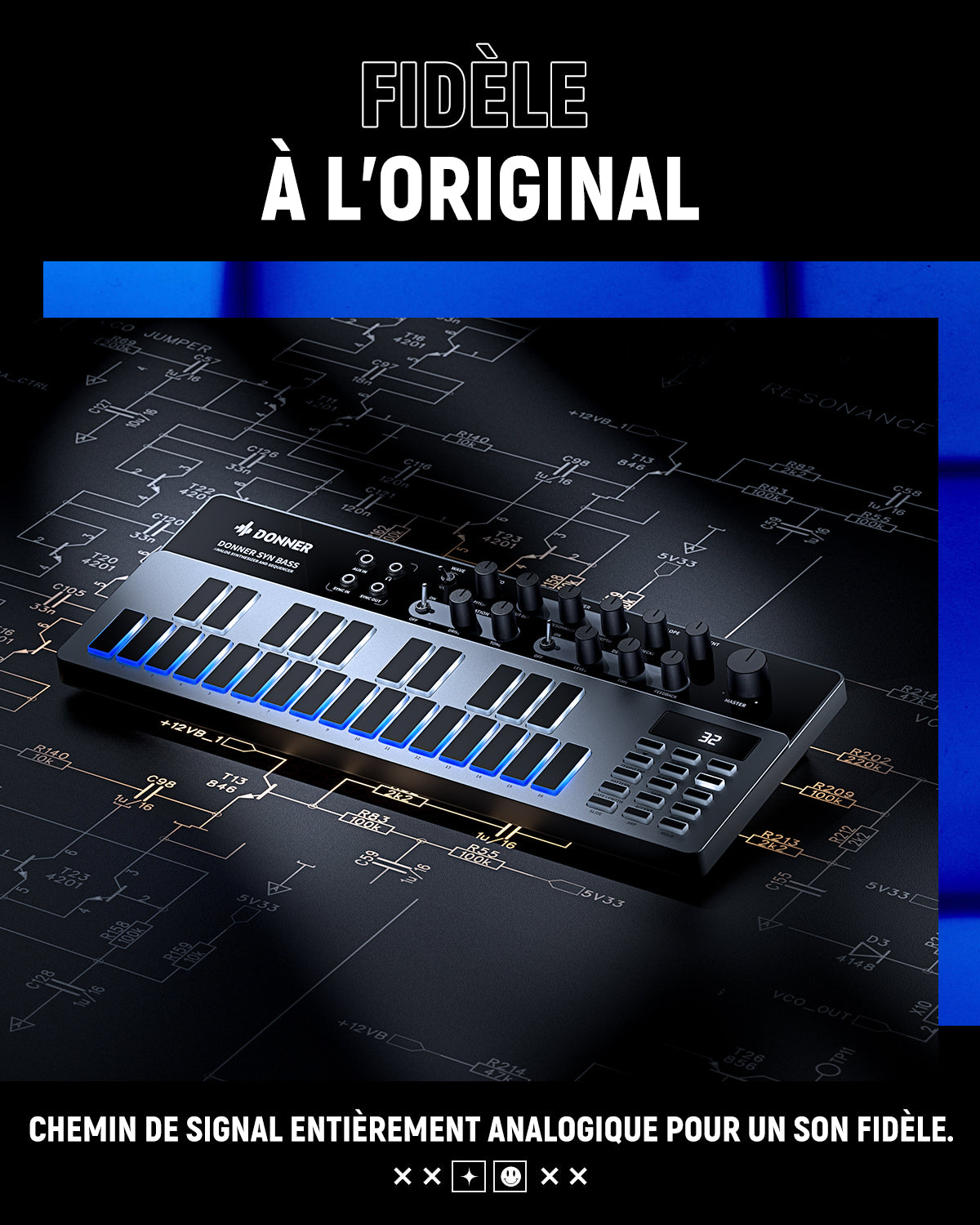
Analog |
|
VCF |
1 low pass |
| Oscillators | 1 |
| Envelopes | 1 |
| Size |
54 x 323 x 130 mm 0.62 kg |
| Control buttons |
SATURATION knob, DRIVE knob, TONE knob, DELAY knob, LEVEL knob, TIME knob, FEEDBACK knob |
| Control buttons |
UP and DOWN, TRANSPOSE, PATTERN, TEMPO/TAP, PLAY/STOP, CLEAR, WRITE, BAR, SIGNATURE, DOTTED |
|
Power Port |
DC input connection |
|
Food |
9V DC 500mA center positive |
|
MIDI connection |
MIDI IN and OUT |
| USB (MIDI) | USB 2.0, Type-C |
|
Outputs |
Output: 6.35 mm jack |
| Headphones | 3.5mm jack |
| Supported operating systems |
Win 7 or higher / Mac OS X 10.6.8 or higher |
| Inputs and outputs (TS 3.5 mm) | AUX input: maximum input +5 dBu, Sync input: more than 2.5 V |
| Click and view the software manual: | |
|
Donner Synths Software Handbuch for Mac.pdf |
|
|
Donner Synths Software Handbuch pur Win.pdf |
|

Overall rating: 4.8 / 5 from 65 reviews.
Très bien

Vaut largement son prix peu élevé

Grosse basse à un prix très abordable !

Rapport Qualité prix au rendez vous .... workflow assez simple ... arriver en 48 h pour la france

C est un super instrument Je possède aussi un behringer TD3 Mo et le Donner B1 est tout a fait aussi bien ..voir meilleur .deja dans le sequenceur .et meme dans certains domaine de sons...

Super je m amuse comme un fou

Legendary synth revisited with all the features we need and more! Thank you Donner

Très statifait

Meilleur clone de 303 ! Super son, le delay et la distortion sont de qualité, un vrai game changer !

Il est beau, simple a utiliser. Je le découvre seulement et donc je n'ai pas encore fait le tour de toute les possibilités qu'il offre. Cordialement, Jean Noel
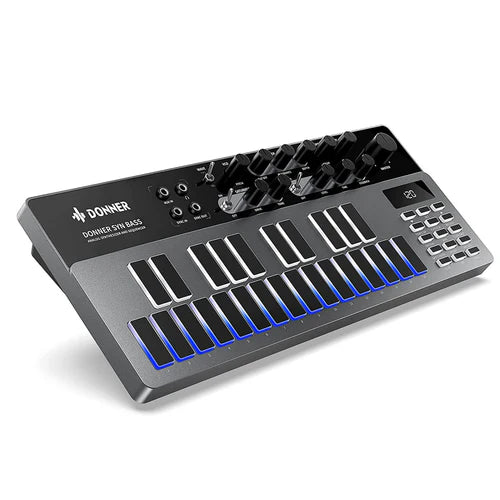
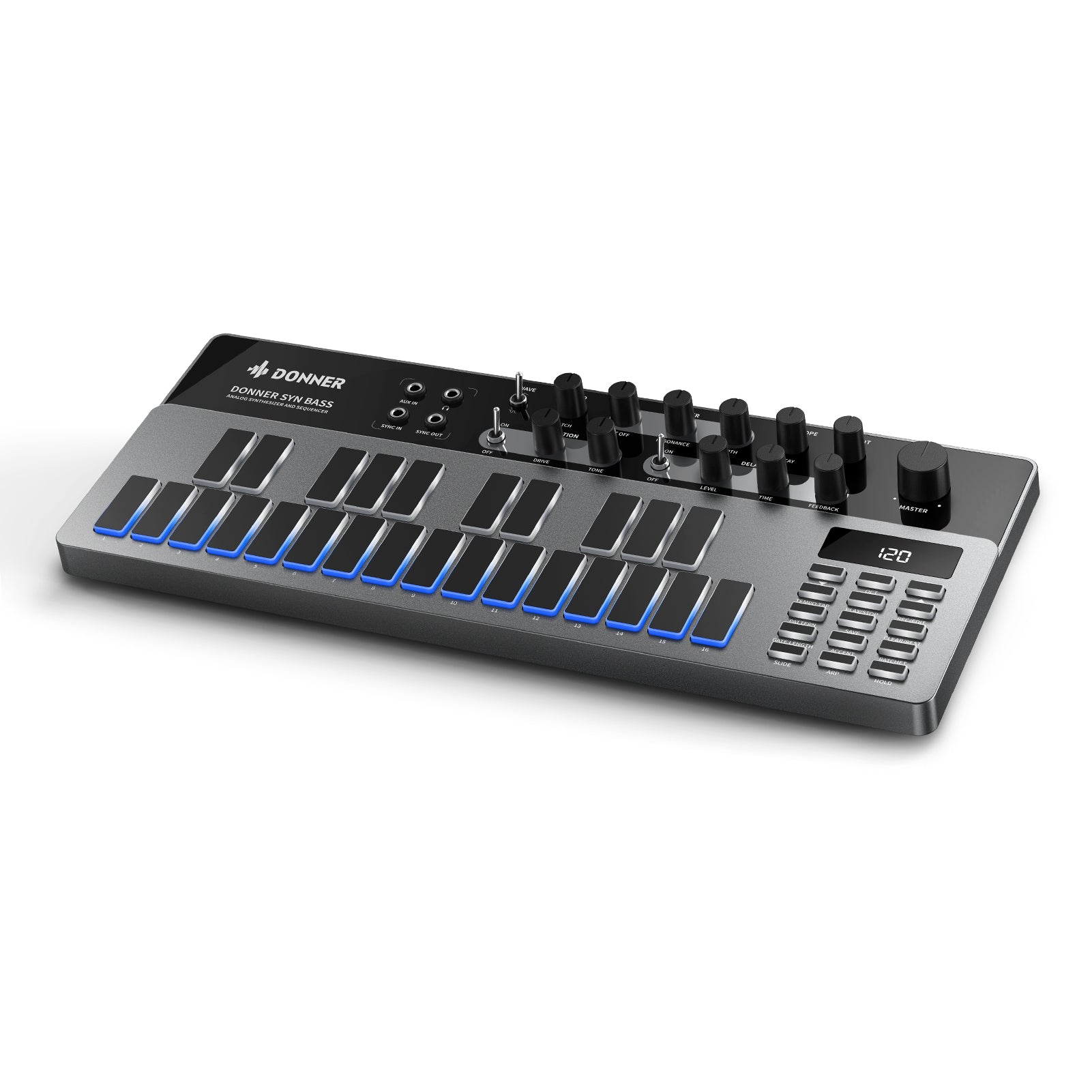
Donner Essential B1 Synthétiseur et Séquenceur Analogique de Basses

Superbe! niveau esthétique , je le trouve très élégant et son ergonomie pas plus grand qu'un clavier d'ordinateur. la qualité de ses touches et potards de bonne conception sont agréable au toucher sous un fond de lumière bleu. pour le son pas de mauvaise surprise, on retrouve cette sonorité que l'on peut moduler dans tous les sens et c'est génial. pour les connexions pas de soucis non plus. il ne me reste plus qu'a tester l'éditeur que l'on peut télécharger facilement sur le site. dans la globalité le Donner B1 me donne entière satisfaction et pour un première achat de la marque j'espère découvrir d'autres produits aussi intéressant. Musicalement STEPHANE VINCENT.

Super machine !!! A un prix défiant toute concurrence.

Le synthétiseur lui-même est assez agréable mais la documentation est minimale, manque d'exemples, et l'anglais n'est pas bien traduit. Le logiciel a des problèmes similaires et n'est pas intuitif. Mais tout de même, vous obtenez un synthé basse de style Reason avec séquenceur pour $152, pas mal ! J'aurais aimé qu'il ait une batterie rechargeable avec des piles Ni-MH ou Lithium.

C'est un équipement très pratique pour un prix modique - la qualité de construction et la qualité du son sont très bonnes - rien dans la gamme de prix n'est meilleur et cela inclut l'équivalent Behringer.

meilleur synthé analogique dans sa gamme de prix

C'est comme un Behringer TD-3, qui est une réplique du synthétiseur basse Roland TB-03. Cette version Donner ne souffre pas de l'interface utilisateur "peu conviviale" comme l'original. Je possède également un Behringer TD-3 et c'est une réplique exacte du TB-03 original, jusqu'à la programmation fastidieuse des notes. Le Donner B1 est plus "convivial" et peut être appris en utilisant son écran, ce qui n'est pas le cas du Roland et du Behringer.

Je l'ai reçu par la poste aujourd'hui et je l'ai immédiatement branché et synchronisé l'horloge avec ma boîte à rythmes. Je n'ai jamais eu de TB-303 OG, mais j'ai écouté assez d'acid house dans les années 90 pour dire que cette chose est à la hauteur. Le Donner B1 a tous ces sons de basse acide juteux, méchants et dégoûtants dont vous avez envie, dans un boîtier très accessible et facile à utiliser. L'ingénierie chinoise a parcouru un long chemin. Cela me donne de l'espoir pour le monde.

Il est plus facile à comprendre que certains autres clones de 303 (même si aucun d'entre eux n'est très difficile). Elle possède des caractéristiques uniques qui valent la peine d'être achetées même si vous avez d'autres marques.

Je l'ai acheté sur un coup de tête pour voir s'ils pouvaient le faire. Je possède mon TB-303 original depuis près de 30 ans. Ce petit synthé fait un TRES bon travail d'émulation de tous ces sons acides et profonds. Le séquenceur n'est pas le même que celui d'un 303, mais il est très utilisable. L'arpégiateur et les effets sont un ajout important et utile. La qualité de construction est ok, pas génial mais ok. Le texte sur les boutons est impossible à lire dans un éclairage sombre, mais on s'habitue à l'emplacement des boutons après un certain temps. C'est une évidence si vous cherchez un excellent synthétiseur de basse acide.

Fonctionne très bien. Très facile à comprendre. Vous pouvez obtenir de très bons sons, le séquenceur est très bon. Emballage indestructible.
, je suis très content de cet investissement . Rapport/qualité/prix imbattable pour moi !
Joli jouet pour faire de l’acid music
Parfait
Dommage que les bouton sont d une qualité très médiocre ! Sinon c est une bonne machine
Excellent synthétiseur je m’amuse beaucoup merci à la société tout c’est passé super bien
Super, 2en un, pourriez vous m'envoyer le mode d'emploi en français et en pdf. Merci
Tres bon produit j ai hate de l exploiter
Super rapport qualité/prix !
Impeccable !!!
Petite machine surprenante, au prix actuel inférieur à 70€ c'est très certainement la meilleure alternative à la 303... Programmation facile, clavier, fonctions de modification "en live", même au niveau son je la préfère très largement à la tb-03 que je n'avais pas gardé longtemps... La finition et le design sont objectivement moins bons que sur la Roland mais pour ce prix je l'accepte volontiers !
Perso, J'aurais mis les labels des touches de fonction au dessus, et avec une couleur plus facile a voir comme du blanc. J'ai du changer les boutons de potentiomètre car la repère noir du bouton sur noir ne se voit pas. Le délai pourrait passer en mode midi sync lorsqu'il est en mode external clock. Firmware update peut etre. Le ratchet est bien mais un scatter serait pas mal Pour le reste, la machine sonne très bien,
Très bon synthé analogique, le séquenceur contrairement à la TB303 est facilement programmable, avec de la disto et du delay. Une bonne surprise !
💪👌
Super
Heureux de mon achat, vivement que je fasse la mise à jour pour obtenir le mode song.
Livraison rapide et soignée ; matériel conforme à la description et de belle confection. beaucoup de temps pour tester !!!! Je conseille
Bonne machine de bass, sequencer sympa, l'envoi rapide d'Allemagne, impeccable 👍 Merci
Propriétaire d'une TB303, je suis vraiment bluffé par le son du B1. En plus, la disto intégrée est n'est pas mal. J'aime sa facilité de programmation, le fait d'avoir un petit clavier, la grande mémoire interne et l'arpéggiateur. A ce prix, il n'y a pas à hésiter.
Service excellent. La qualité est très bonne ; rien ne bouge ni ne fait bon marché. Je commanderai sans hésiter à nouveau chez eux.
Livraison rapide, bon clavier


1. Ajouter des articles au panier : Parcourez la boutique
DONNER et ajoutez
les articles que vous souhaitez acheter à votre panier.
2. Paiement : lorsque vous êtes prêt à
finaliser votre achat, cliquez sur l'icône du panier et procédez au
paiement.
3. Appliquer le code : Cliquez sur le récapitulatif de la commande, entrez le code de réduction et cliquez sur Appliquer ; ou glissez vers le bas de la page, entrez le code de réduction et cliquez sur Appliquer.
4. Passer la commande : après avoir saisi toutes les informations requises, cliquez sur ‘Acheter maintenant’ pour finaliser votre achat.
Prenons l'exemple du code de réduction pour les nouveaux arrivants (MN10) :